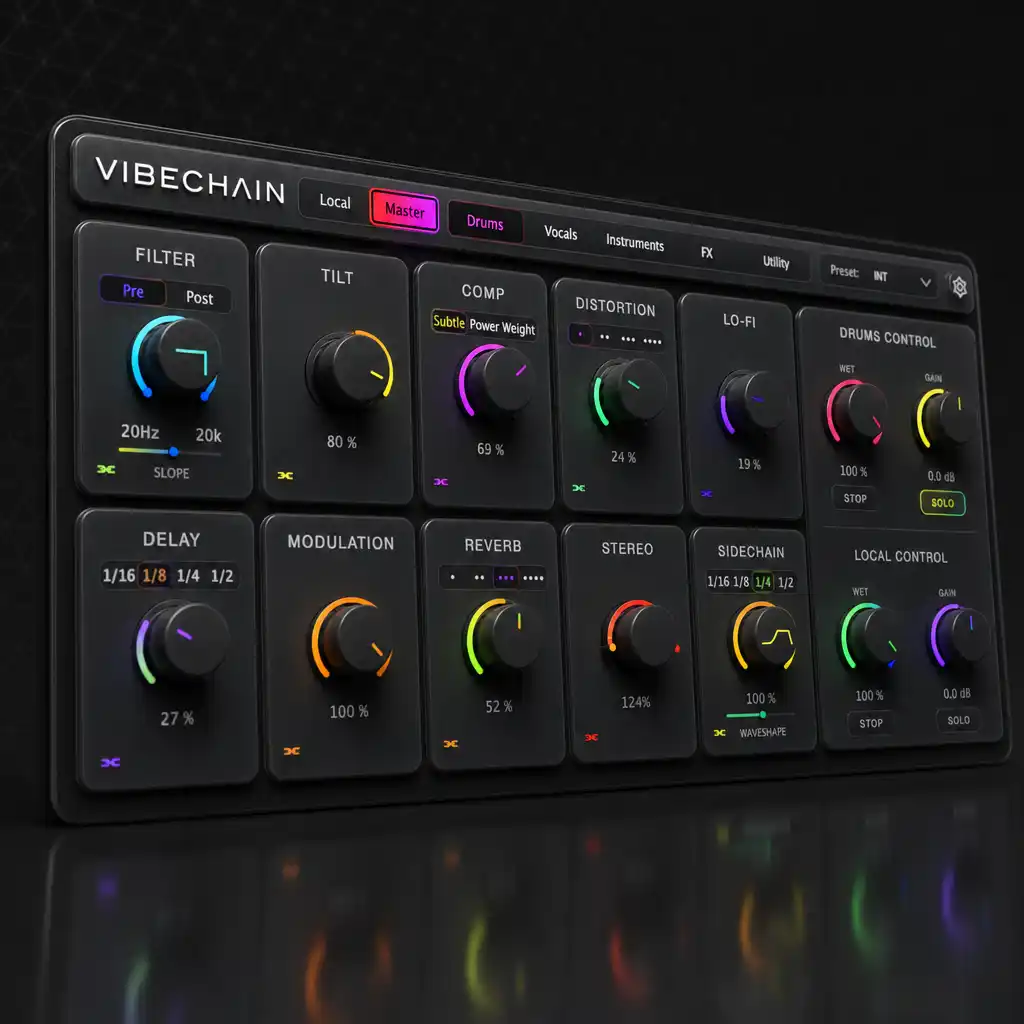
Automate once.Every track follows.
Instant download · Free updates · Built by GKMusica
This isn't another compressor. It's the layer on top of a mix you already like: sweeps, swells and mutes that hit every chained track at once, printed straight into every stem (the separate track files you hand off when someone else finishes the mix).
Your plugins already handle the mix. The snare sits right, the low end is controlled, the vocal is forward. That part works, and nothing here is trying to change it.
Then you go to build the moment. Tension into the drop. A swell into the chorus. Everything cut for one beat. Now you need the same filter, the same reverb, the same mute across every track in the group, so you add the plugin to each one, automate each one, and copy that automation across everything that needed it.
And if you deliver stems, it gets worse. A master bus effect never reaches a stem, so every stem has to carry that move on its own.
This is what it actually looks like, running on real tracks.
No sync. Effects only touch this track. Classic plugin behavior when you want it.
Joins a category and receives every parameter from that category's Master in real time. Flip Ignore Master on any single module to keep just that one independent.
Every knob you touch broadcasts to all Chained instances in the same category. Only one Master per category, and any other instance joining it becomes Chained automatically. The Master passes audio dry by default, so it can sit anywhere purely as a control. Turn on Master FX to process its own audio too.
A category is just the group a Master and its Chained instances belong to. Each one runs completely independently, so a Drums Master and a Vocals Master can work at the same time in the same session without ever touching each other. Every instance sits in one category at a time, and switching it moves that instance to the new group instantly.
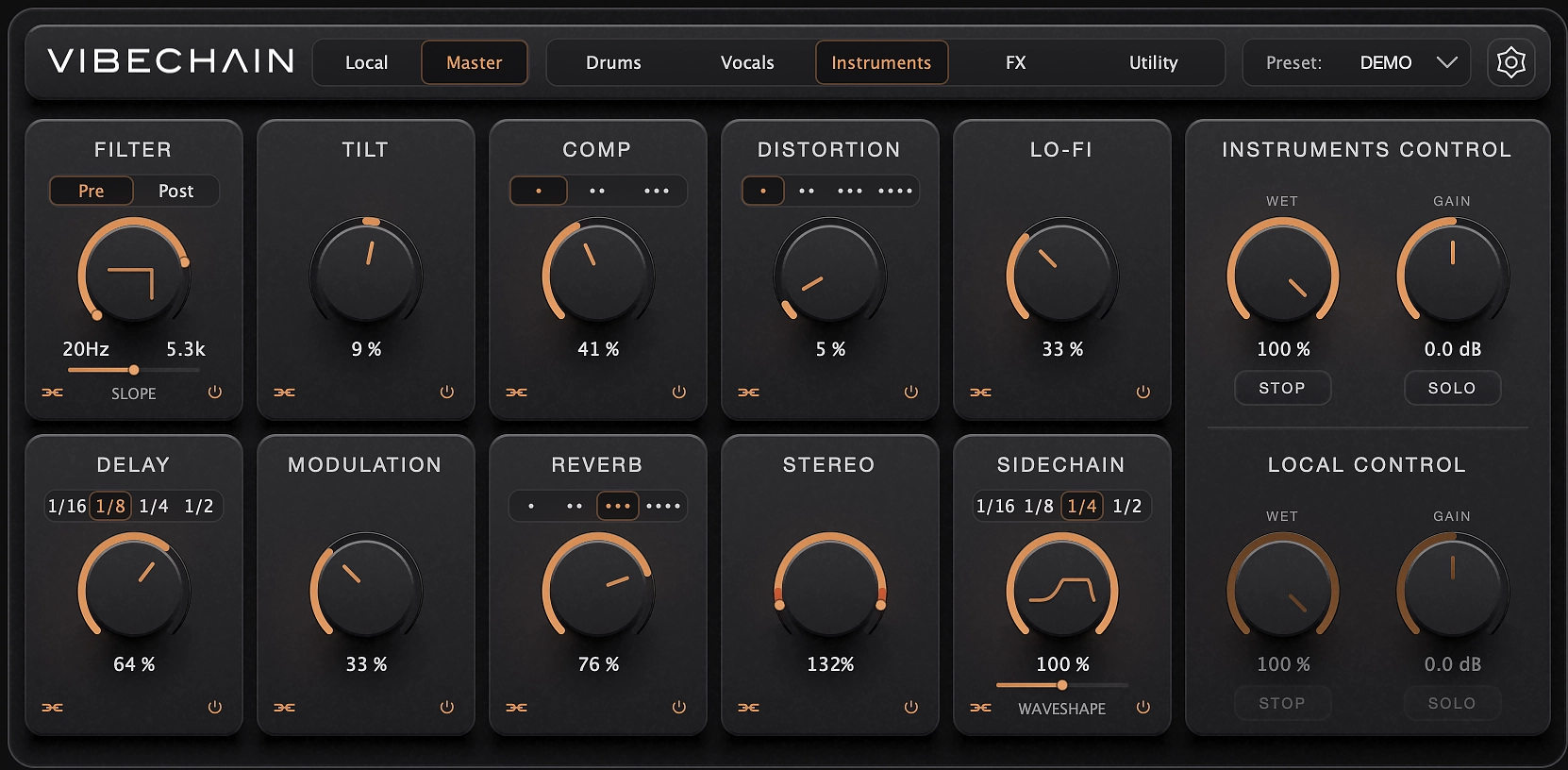
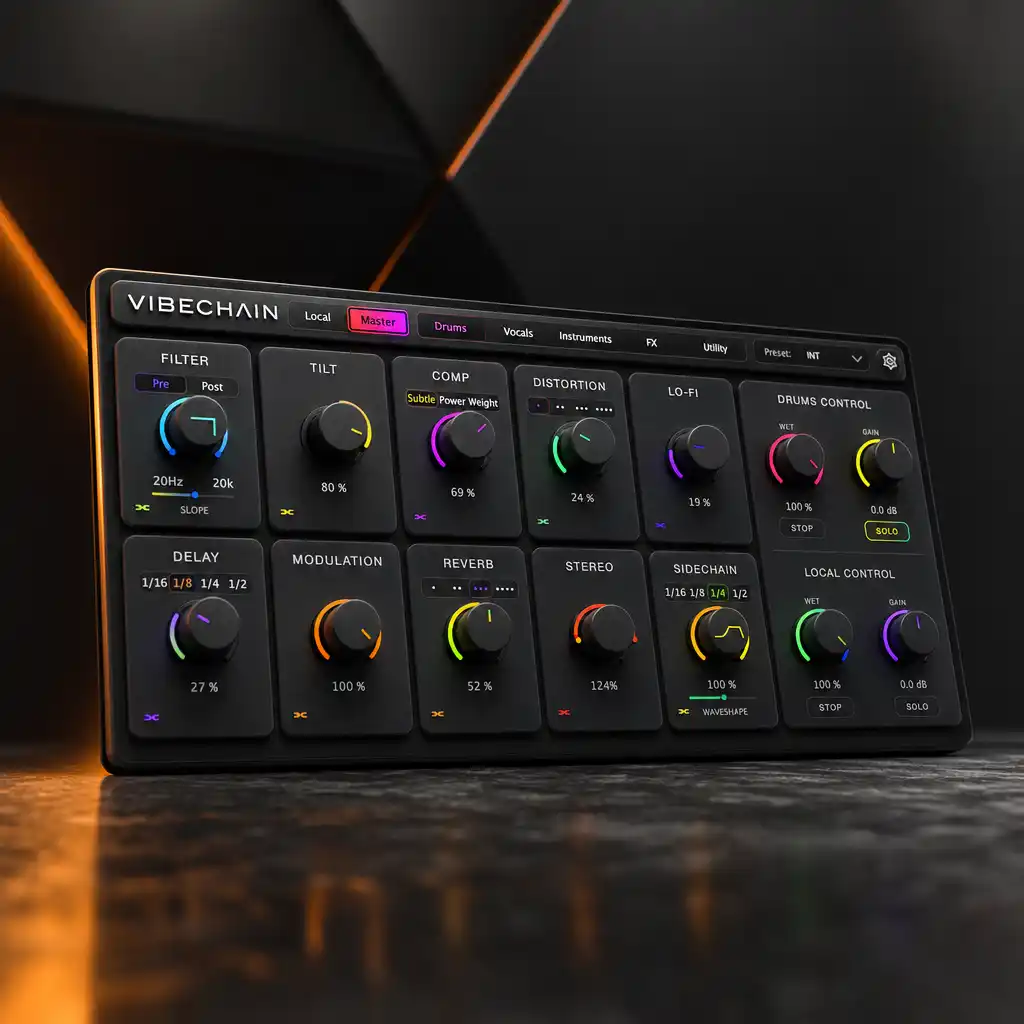
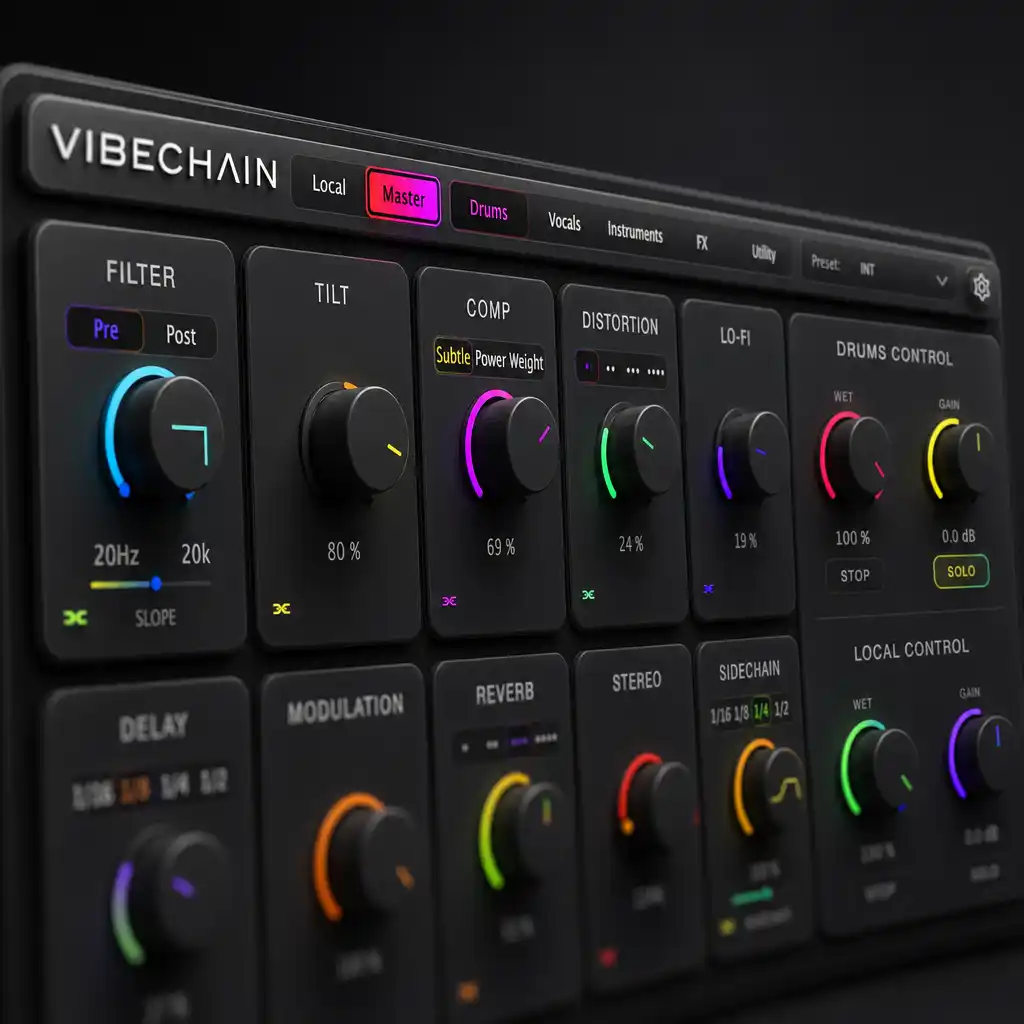
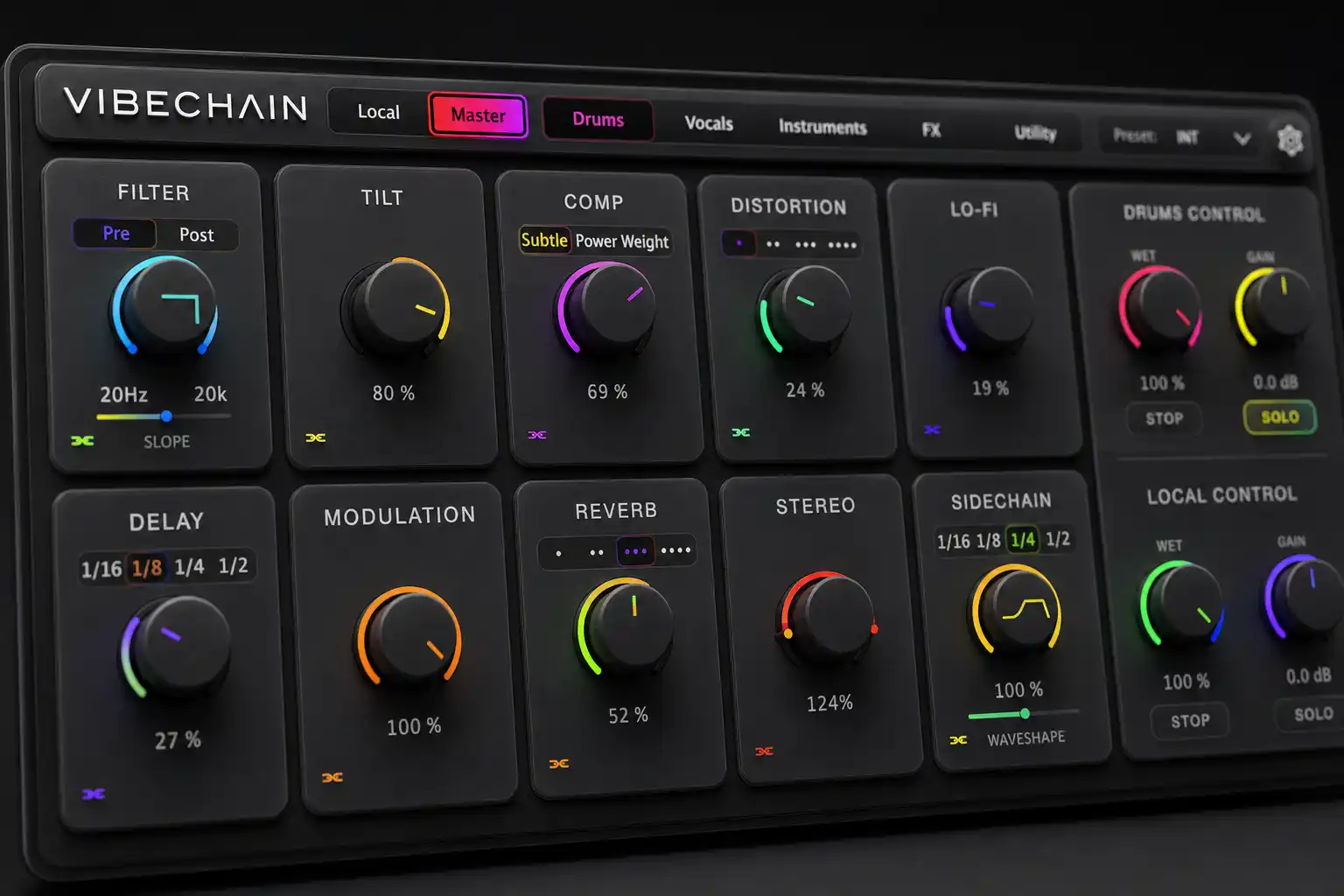
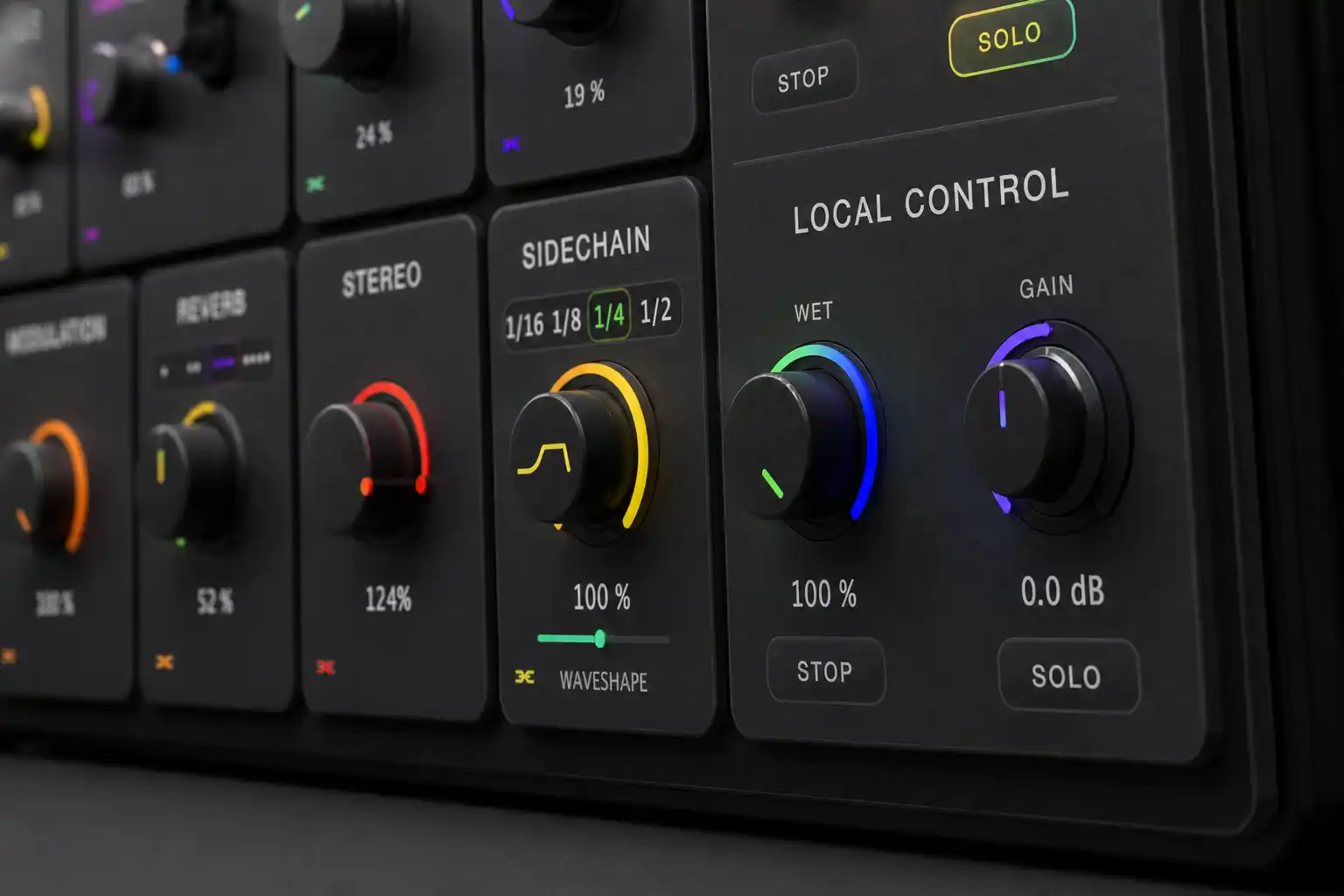
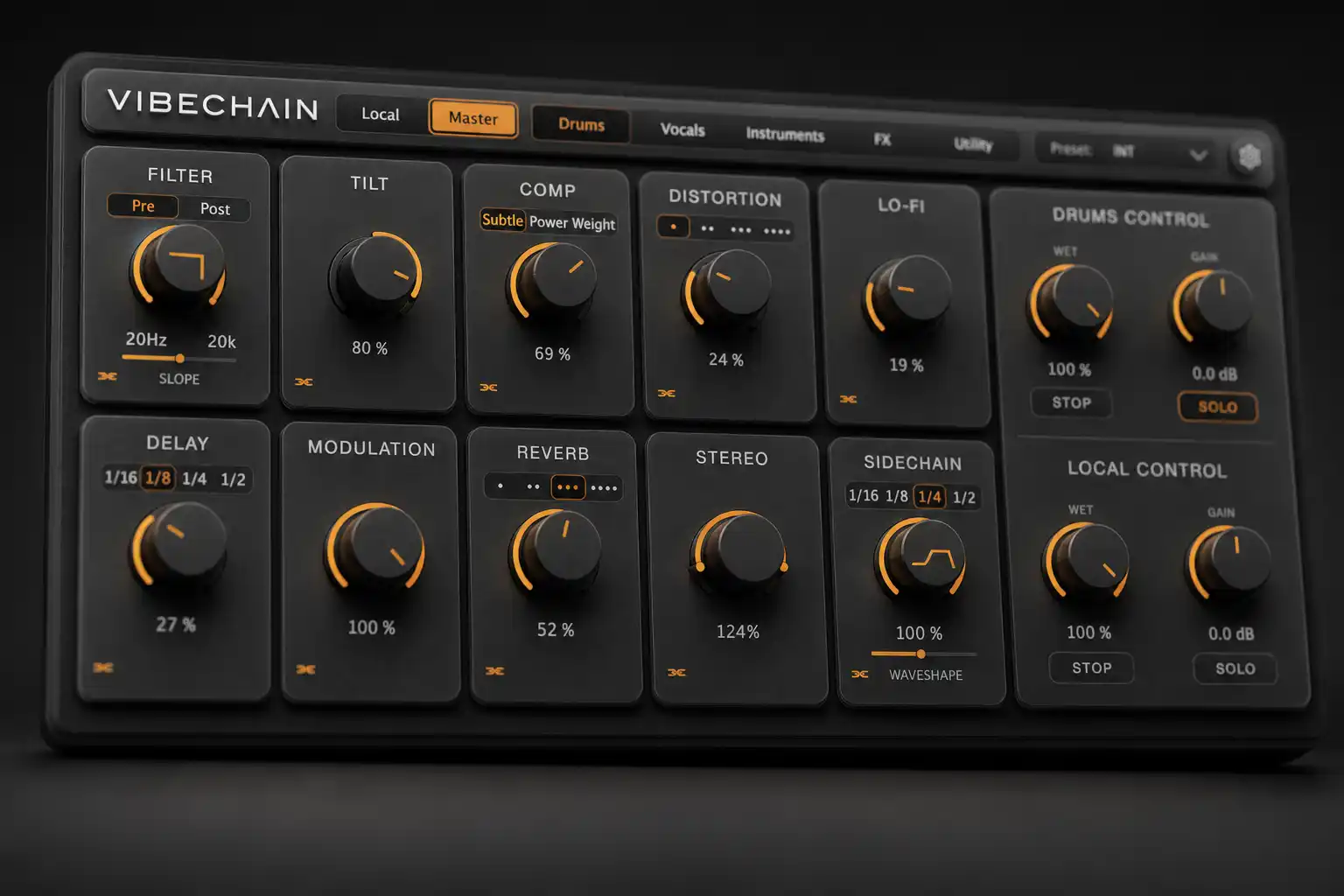
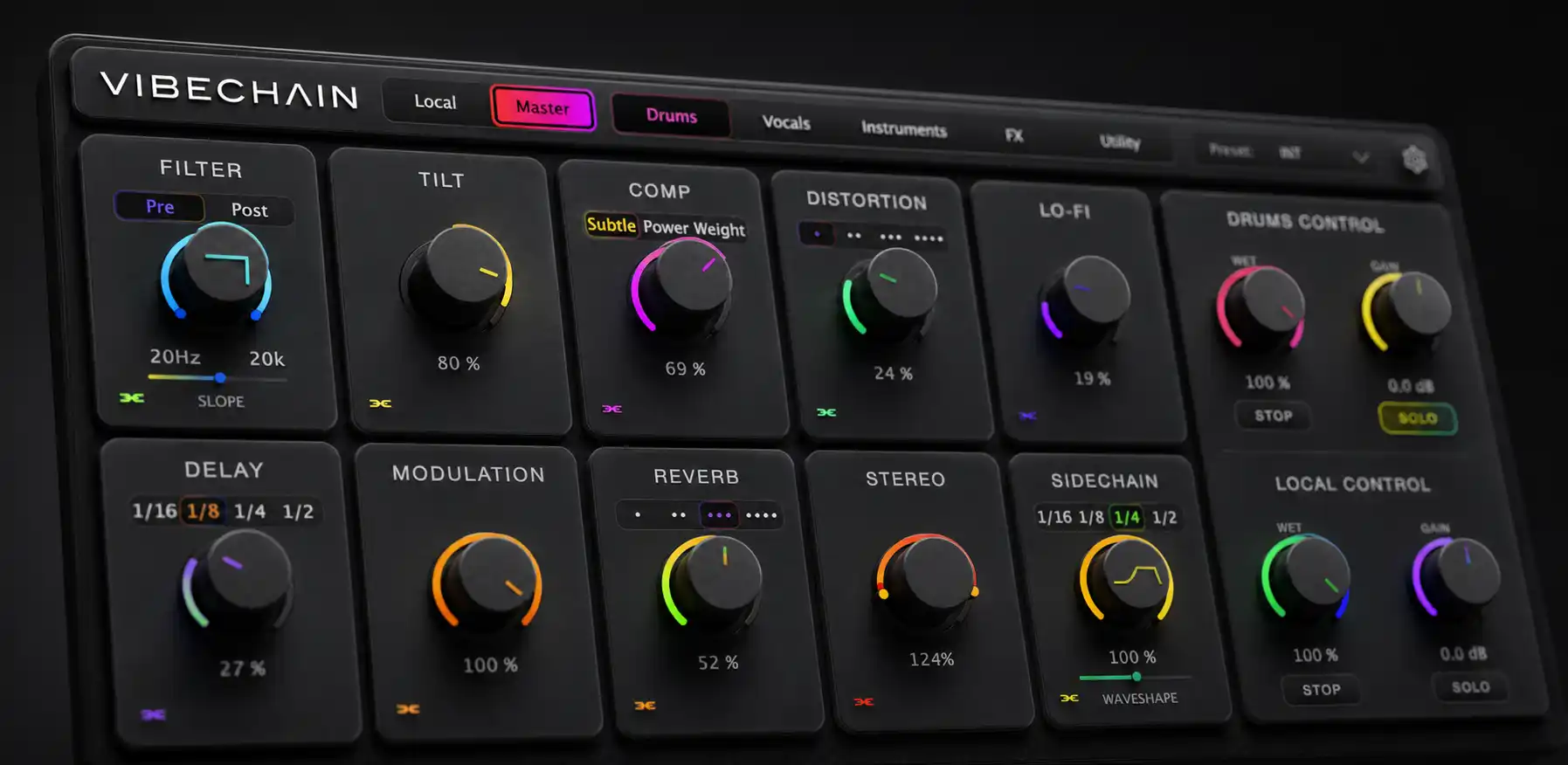
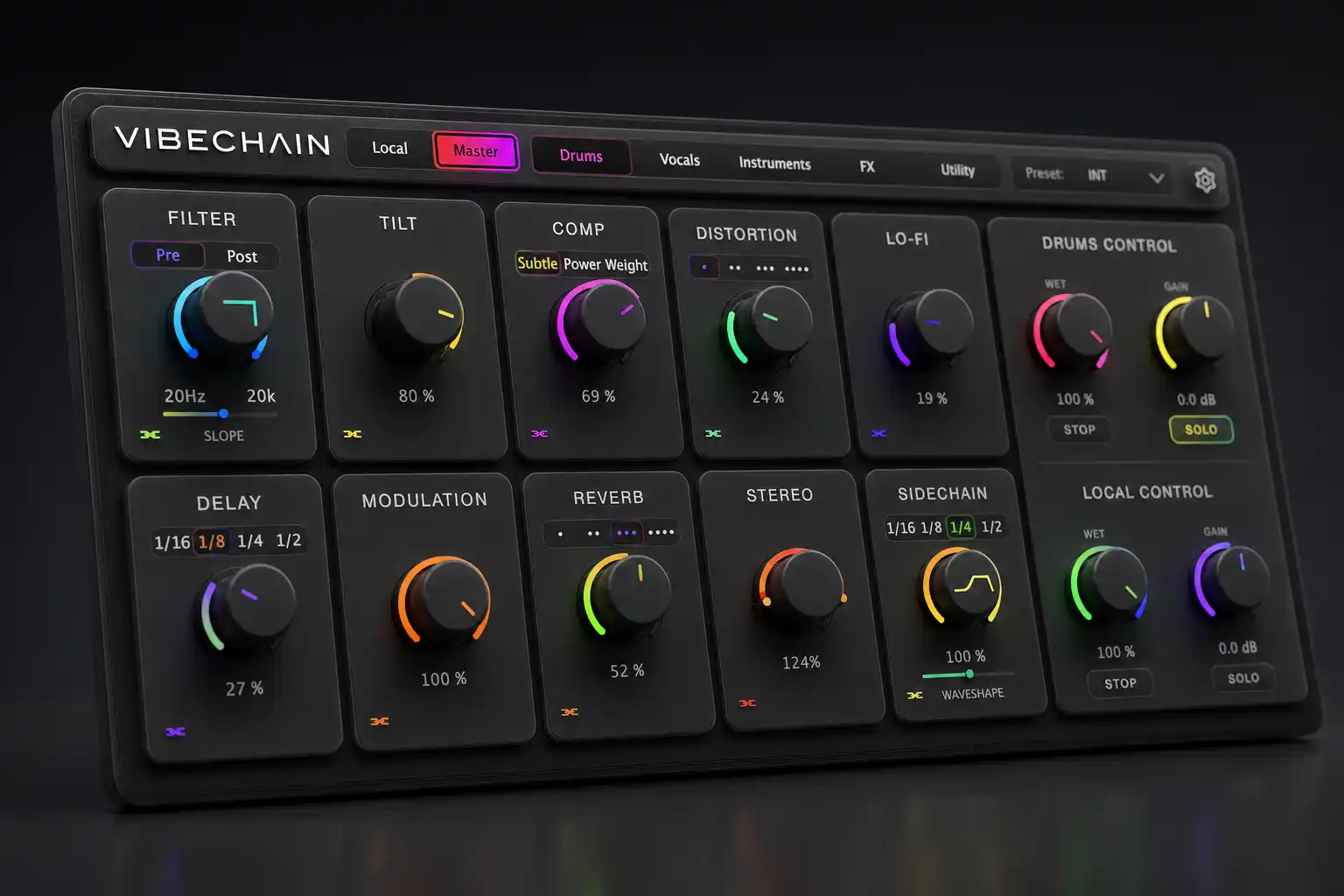
One knob each, tuned for feel instead of surgery, because these are for shaping a moment fast and getting back to the music. Every module starts off and wakes up the moment you turn its knob. Each has an Ignore Master toggle, plus an optional power button you can switch on in Settings.
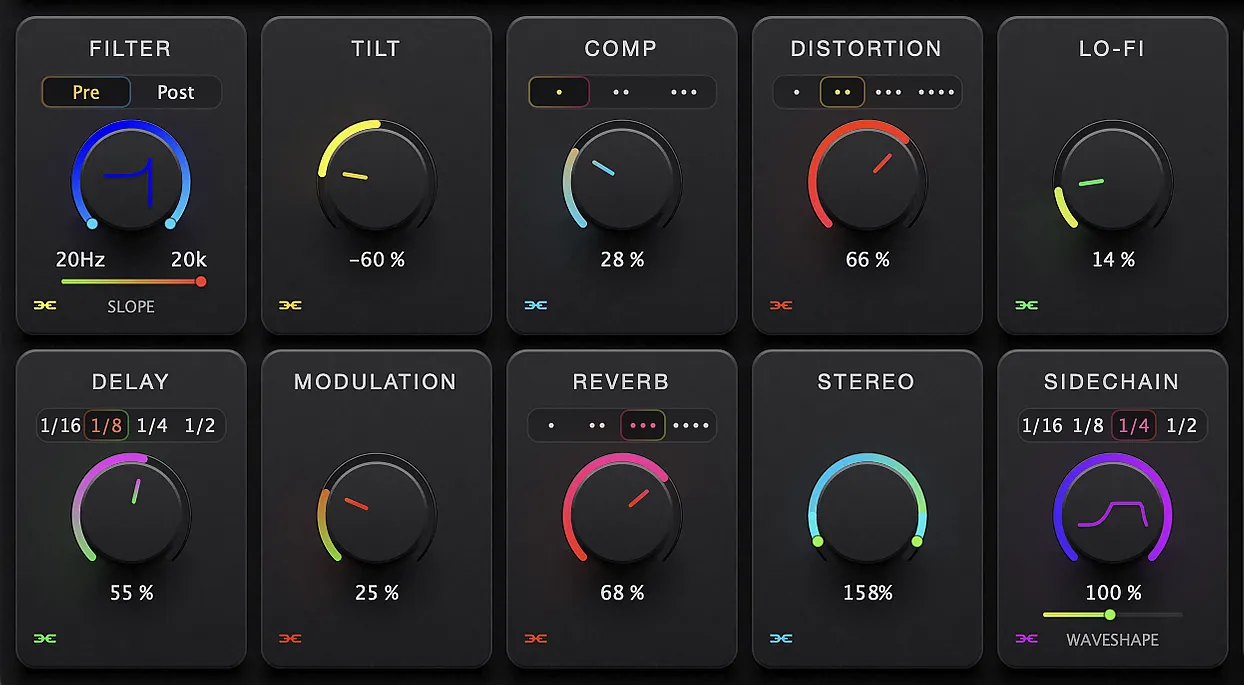
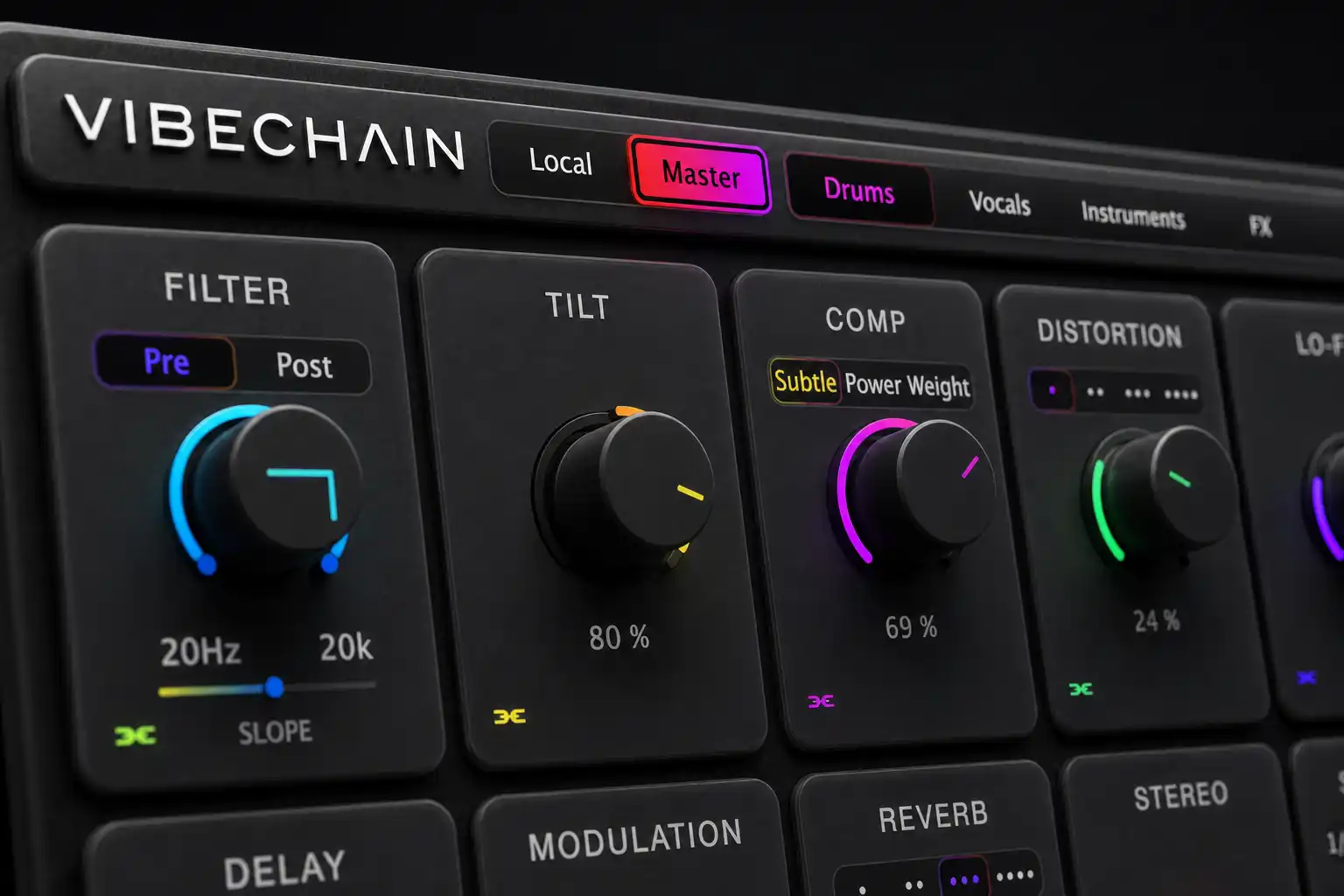
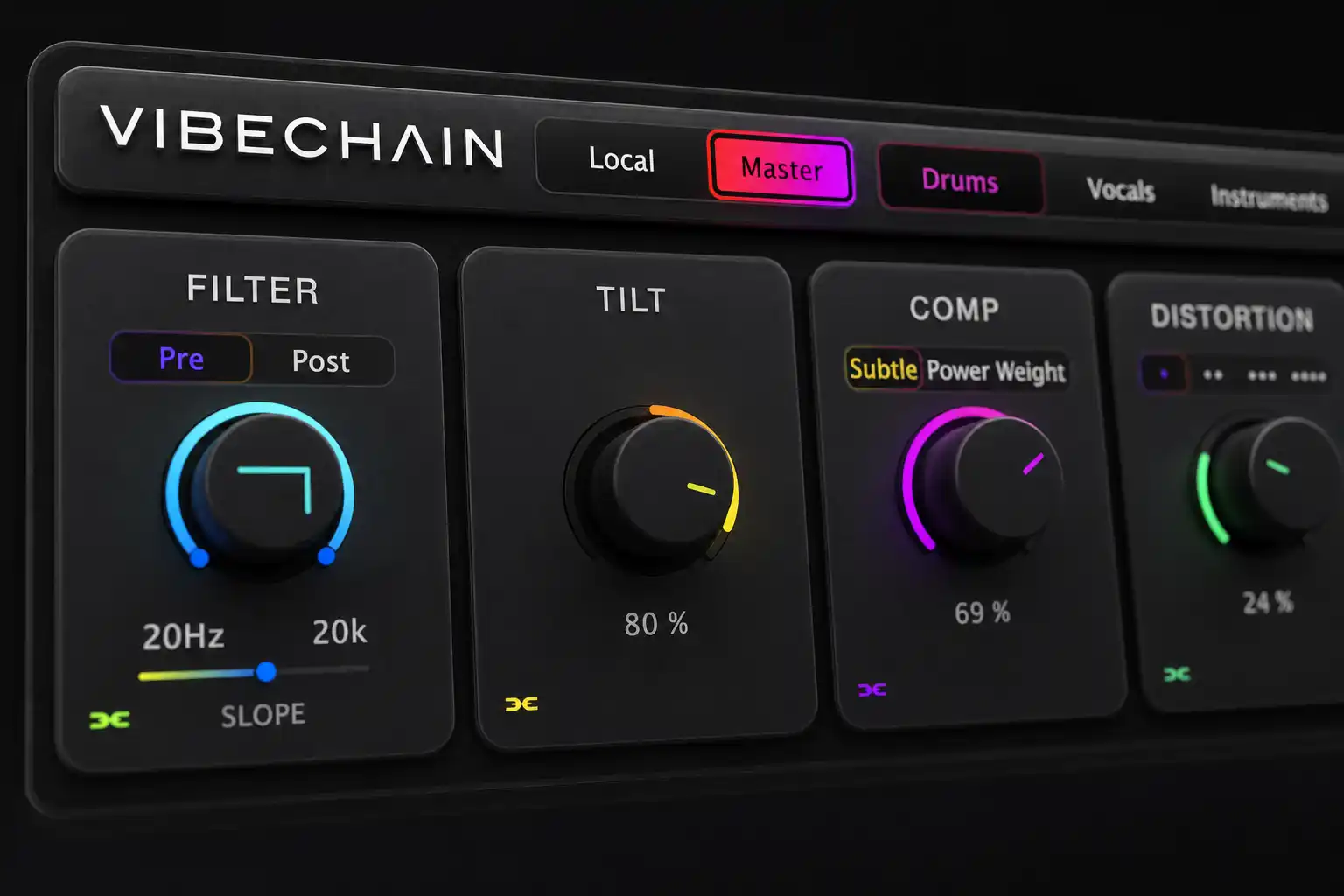
Dual low-pass + high-pass with adjustable slope curve and pre/post routing.
One knob to brighten or darken the whole signal. Instant tone shaping.
One knob, three modes: Subtle glue, Power punch, or Weight for dense low end.
Four saturation modes: Warm Tape, Hard Clip, Fold, and Crush.
Wow, flutter, drift, narrowing bandwidth and bit depth, blended on one knob.
Tempo-synced delay with a damping filter. Locked to your session, always in time.
Chorus and flanger combined into one depth control. Width and movement, instantly.
Four characters built for vibe, not realism: Blur, Space, Shimmer, and Swell.
Mid-side width from fully mono at 0% out to double-wide at 200%.
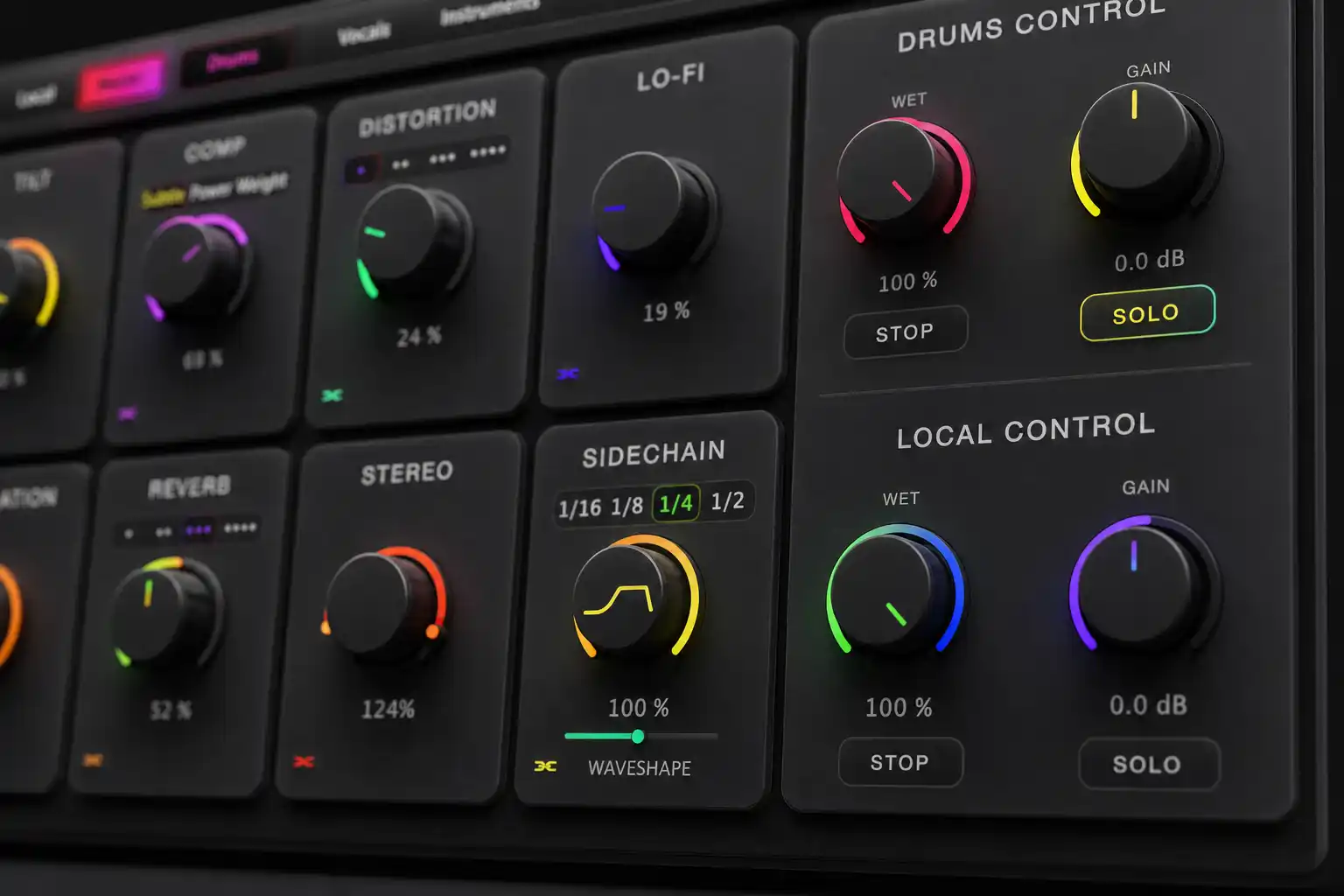
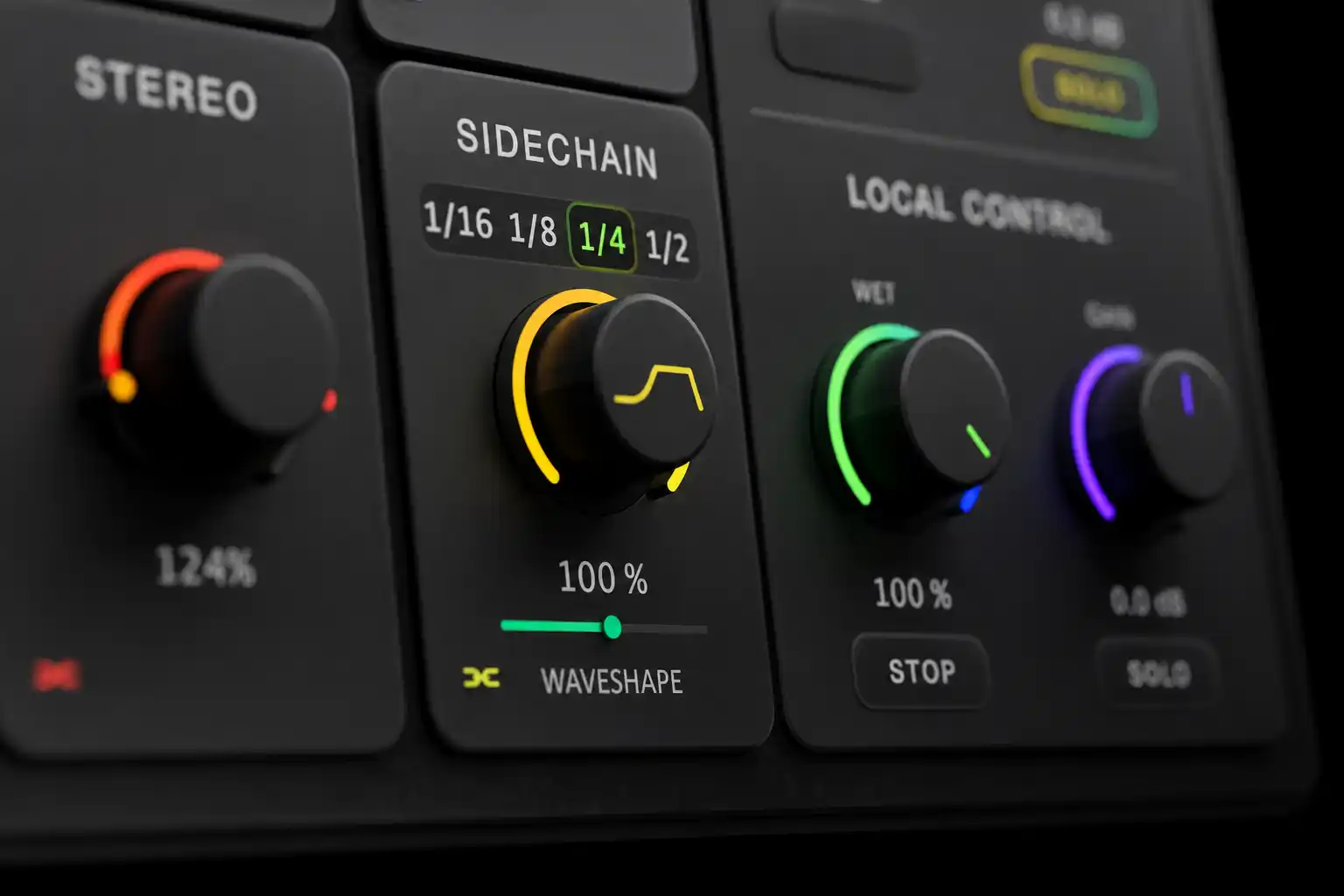
Tempo-locked ducking with a shapeable curve. Internal, so no external routing.
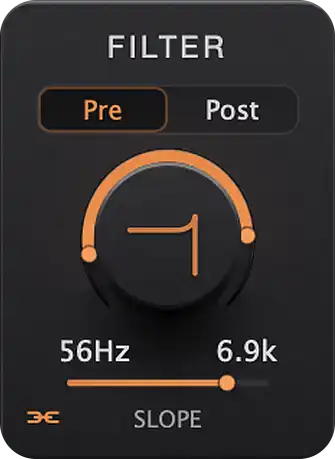
Dual low-pass + high-pass with adjustable slope curve and pre/post routing.
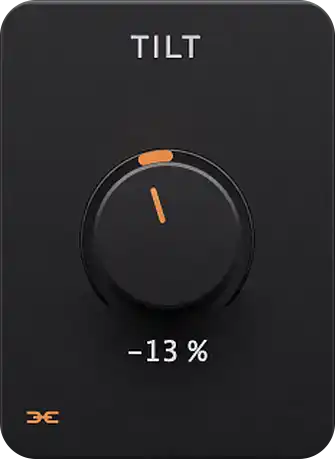
One knob to brighten or darken the whole signal. Instant tone shaping.
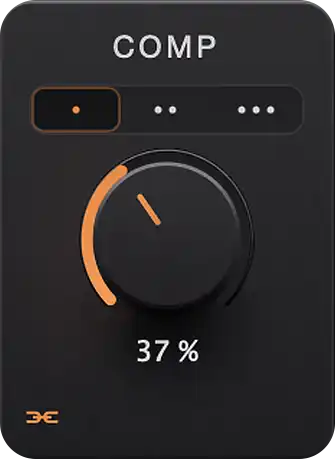
One knob, three modes: Subtle glue, Power punch, or Weight for dense low end.
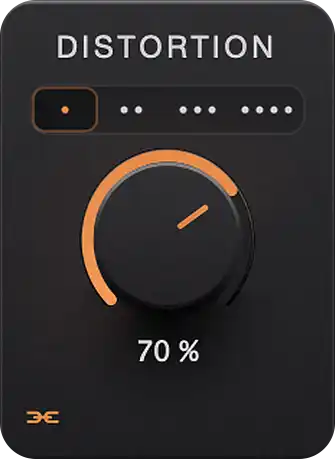
Four saturation modes: Warm Tape, Hard Clip, Fold, and Crush.
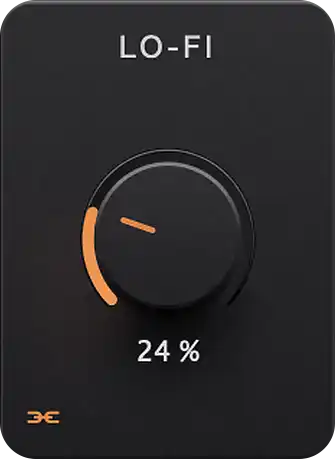
Wow, flutter, drift, narrowing bandwidth and bit depth, blended on one knob.
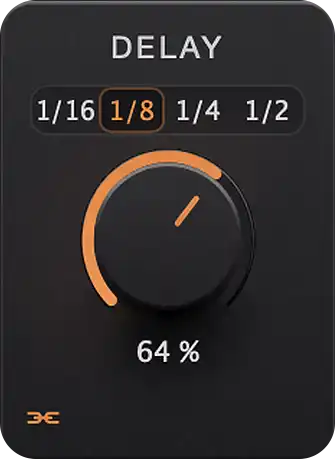
Tempo-synced delay with a damping filter. Locked to your session, always in time.
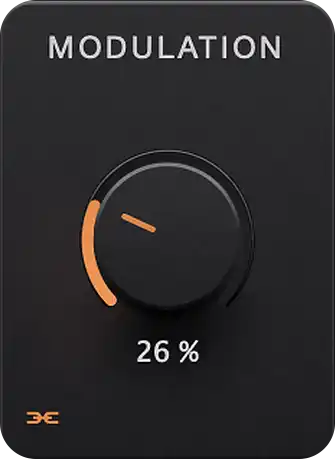
Chorus and flanger combined into one depth control. Width and movement, instantly.
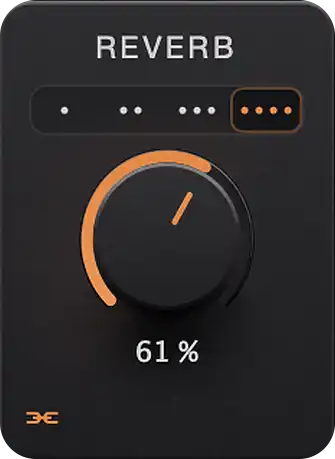
Four characters built for vibe, not realism: Blur, Space, Shimmer, and Swell.
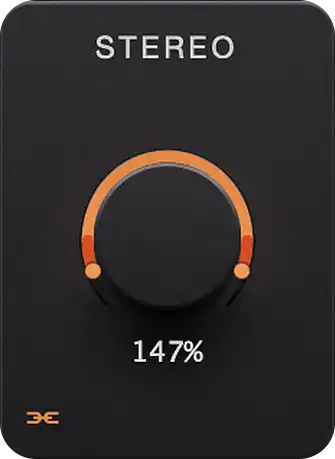
Mid-side width from fully mono at 0% out to double-wide at 200%.
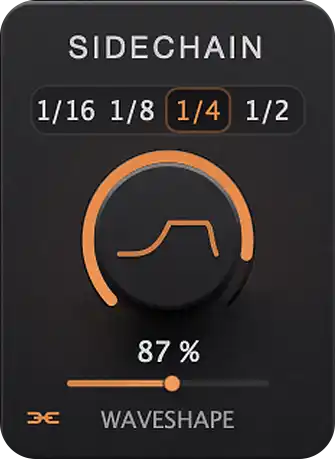
Tempo-locked ducking with a shapeable curve. Internal, so no external routing.
Plus local and chain wet/dry and volume on every instance. Mute an entire category at once, the way you'd cut your whole stereo mix for a beat, and it prints as real silence on every stem, not just on your rough mix.
Pick your accent color and make every knob glow your way, or hand control to Vibe Mode: Pulse drifts the accent through a slow hue shift, Party sends every module through the spectrum on its own.
It starts in classic orange. Where it goes from there is up to you.
Save and load presets, persisted to disk. Presets carry your effect state.
Close the session, open it next week. Role, category, chain membership, every knob. All exactly where you left it.
A Chained instance following the Master, but you want this one track's delay to stay put? One click. That module goes independent, the rest keep following.
Move a knob off default and the module powers on by itself. No hunting for enable buttons mid-idea.
Switch a Master back to Local and VIBECHAIN asks you to confirm before releasing control of the category. No chain gets dropped by accident.
Reports zero latency to the host, and it is accurate. Every module runs sample by sample with no buffering, so there is nothing to compensate for. Offline and faster-than-realtime bounces render exactly like playback.
The first time you open VIBECHAIN it walks you through every feature, spotlighting the actual controls as it goes. Relaunch it any time from Settings.
No. Keep the EQ, compressor, and reverb you already trust for mixing. VIBECHAIN handles a different job: moving a whole group of tracks at once, the way a bus fader would, except a bus only touches the summed signal. It never reaches the individual tracks, so it can't reach your stems either. Every VIBECHAIN instance sits on its own track, so the same sweep, swell, or mute prints into each stem separately, and you can still pull any single track out of the chain with Ignore Master.
No. Master here means the instance that controls the others, not your master bus. Put it wherever is convenient: a group bus, a spare track, or an instrument track you are already using. It passes audio dry by default, so it colours nothing unless you turn on Master FX.
Any macOS DAW that supports VST3 or AU: Logic Pro, Ableton Live, Pro Tools, Studio One, Cubase, Reaper, FL Studio, and more. Instances find each other inside the same session, no extra routing needed.
Each instance picks a role (Local, Chained, or Master) and a category (Drums, Vocals, Instruments, FX, Utility). A Master broadcasts every parameter change to all Chained instances in its category, in real time. Only one Master is allowed per category, and categories stay fully independent, so your Drums Master never touches your Vocals chain.
Yes. Every module has an Ignore Master toggle. Flip it on any Chained instance and that module keeps its own value while every other module keeps following the Master.
By default the Master passes audio dry, so it can live anywhere, even on a dedicated control track. Enable Master FX in the top bar and it processes its own audio with the same chain it broadcasts.
Completely. Role, category, chain membership, and every parameter are saved with your DAW session and restored exactly on reopen.
As many as your session needs. There is no instance limit. Reverb is the heaviest module since it runs convolution, so if you are running it on a lot of instances at once, raise your buffer size or switch Reverb off where it is not earning its place.
Yes. Offline and faster-than-realtime renders work exactly like playback, so what you hear is what prints. Bounce all your stems in one pass and every Chained instance stays locked to the Master, automation and all.
None. VIBECHAIN reports zero latency to the host and that number is accurate: every module processes sample by sample or block-synchronously with no buffering overhead. Nothing to compensate for, so your Master on a bus and your Chained instances on individual tracks stay perfectly phase-aligned.
VIBECHAIN is built by GK, a multi-platinum Latin urban producer with Hear This Music and a professor at Berklee College of Music. More on his work at gkmusica.com.
Built by GK, a multi-platinum Latin urban producer with Hear This Music and a professor at Berklee College of Music, who got tired of making the same move on every single track.
Get VibeChain · $62